从
基础 / 深入 / 实战
逐步学会建网站
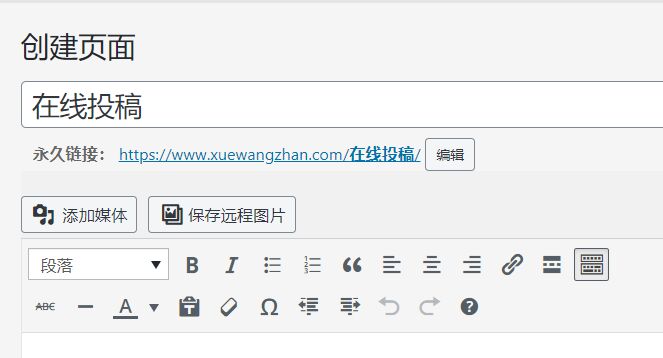
纯代码Wordpress前台投稿功能制作方法,很多建网站学员学习了WordPress教程后,使用Wordpress 程序建了网站。但如果每天都是自己更新文章,感觉会有点累。为了减轻发文章的劳动量,可以给自己的网站添加WordPress投稿功能,这样就可以让普通用户在线投稿文章了。
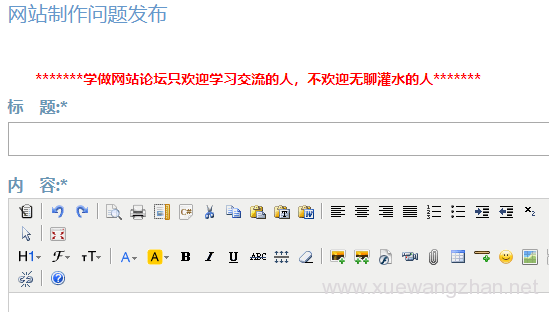
如何制作wordpress前端用户投稿功能呢?下面是学做网站论坛分享的方法。
<?php /*Template Name: 用户留言模板*/ ?>

<?php include( TEMPLATEPATH . '/tijiao.php' ); ?>
<form id="tougaoform" method="post" action="<?php echo $_SERVER["REQUEST_URI"]; ?>">

<p><input id="author" type="text" size="40″ value="" name="tougao_authorname" /><label>昵称(*必填)</label></p>

<p><input id="email" type="text" size="40″ value="" name="tougao_authoremail" /><label>邮箱(*必填)</label></p>

<p><input id="url" type="text" size="40″ value="" name="tougao_authorblog" /><label>您的博客/文章来源</label></p>

<p><input id="tougao_title" type="text" size="40″ value="" name="tougao_title" /><label>文章标题(*必填)</label></p>

<p><input id="tags" type="text" size="40″ value="" name="tougao_tags" /><label>文章标签(多个标签请用英文逗号 , 分开)</label></p>

<p><?php wp_dropdown_categories('show_option_none=请选择文章分类&show_count=1& hierarchical=1&hide_empty=0'); ?><label>文章分类(*必填)</label></p>

<p><textarea rows="15″ cols="55″ id="tougao" name="tougao_content"></textarea></p>

<p> <input type="hidden" value="send" name="tougao_form" /> <input id="submit" type="submit" value="提交" /> <input id="reset" type="reset" value="重填" /> </p>

</form>