从
基础 / 深入 / 实战
逐步学会建网站
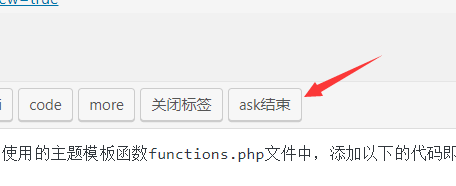
如果想给编辑器添加自定义按钮是最简单的,只需要在自己使用的主题模板函数functions.php文件中,添加以下的代码即可。
//编辑器添加按钮

function appthemes_add_quicktags() {

?>

<script type="text/javascript">QTags.addButton( '按钮名', '按钮名', 'n<div class="ask">', '</div>n' ); </script>

<?php

}

add_action('admin_print_footer_scripts', 'appthemes_add_quicktags' );
修改以上代码中的“按钮名”、开始代码、结束代码为自己的代码即可。